Key Features Built into Our Lyft Clone App to Drive Business Growth
Feasible Login
Customers initially get the easy login credentials by specifying the mobile
numbers and email-id to get access and use for booking
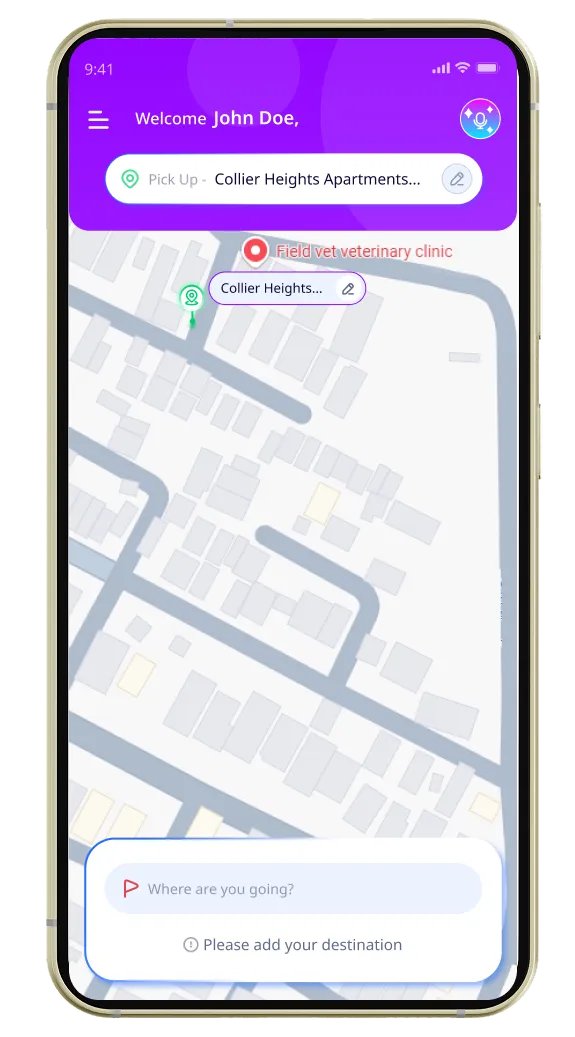
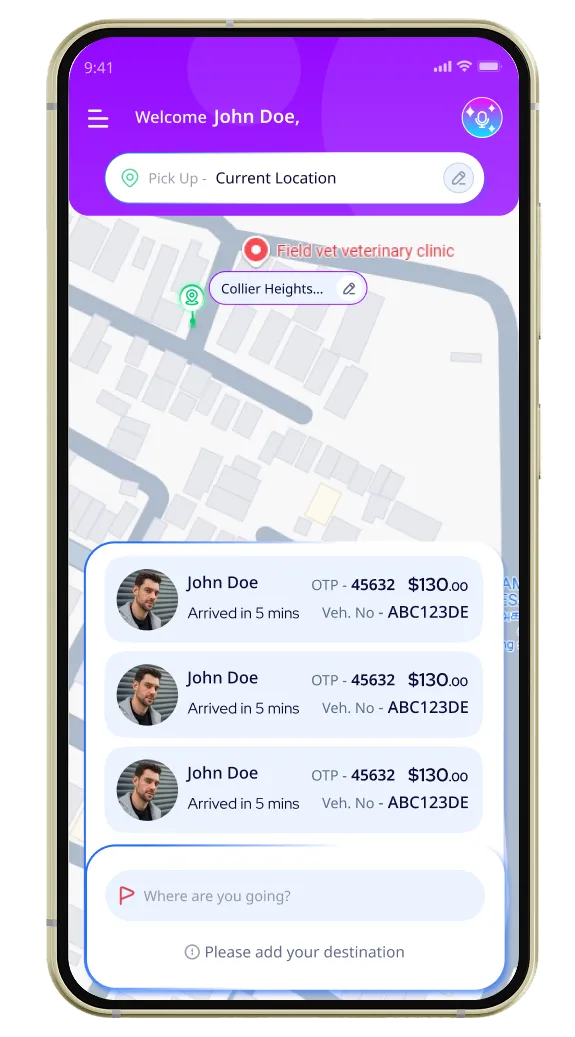
Location Specification
Specify the pickup and drop location either direct or by searching on Google
analytics.
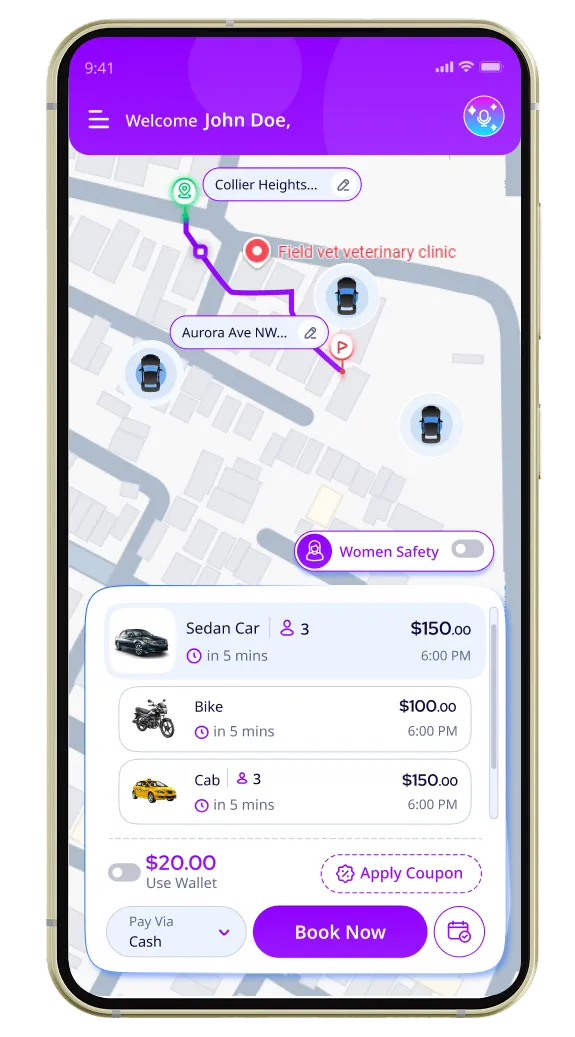
Ride Preferences
Customers can set their ride preferences based on their needs, whether they prefer a Wait & Save option, a pet-friendly ride, or a female driver.
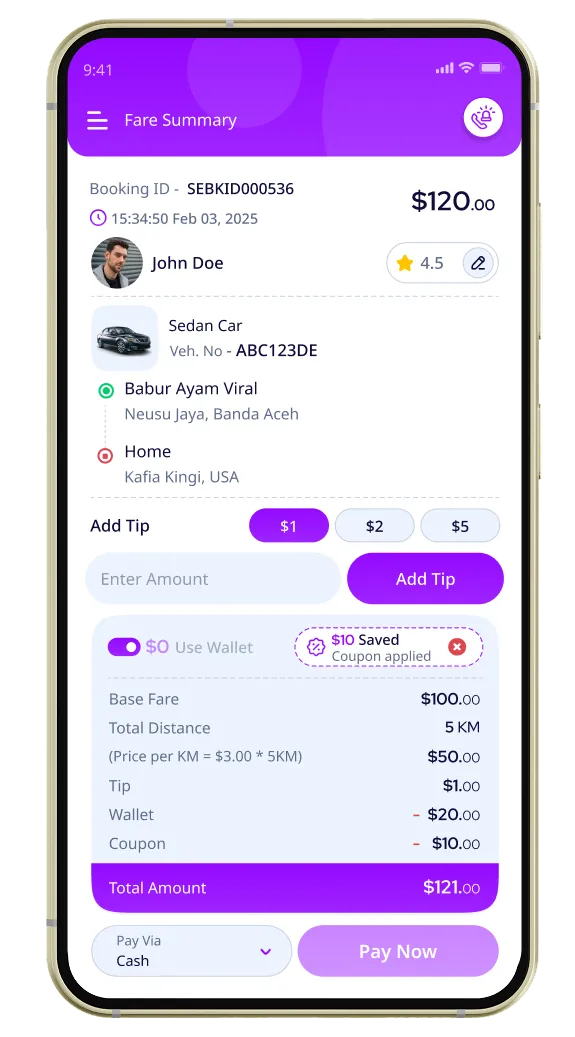
Fare Details & Payment
After booking the ride, the fare for the trip can be estimated and showed to
the customers based on vehicle selection. With multiple payment options like
cash, card, and smart wallets, travelers also have the option to pay the
fare quickly.
Interactive Tracking
Travelers can easily track the cab movements lively using the Geo-location
navigation option in the application.
Push Notification
Notified with the driver’s movement with the distance and time information
exactly. This also allowed the travelers to experience comfort in an
unfamiliar location
Emergency Alerts
Getting an instant help by just tapping this option inside the app window
Review/Rate for Trip
After the completion of the trips, travelers use this option to share their
trip experience or rate the driver’s performance for further enhancement
Smart Profile Making
Drivers onboarding in ride-hailing service with simple registration via their
personal credentials and generate their own profile with necessary documents
uploading.
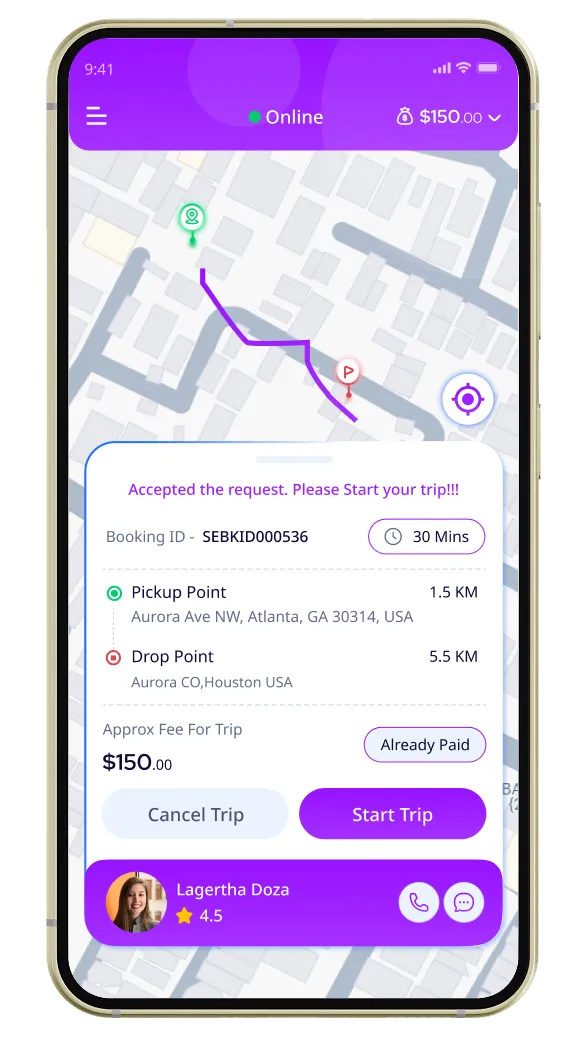
Alerts on Ride-Requests
Getting updates from the restaurants if the order is packaged as per the
customer demands
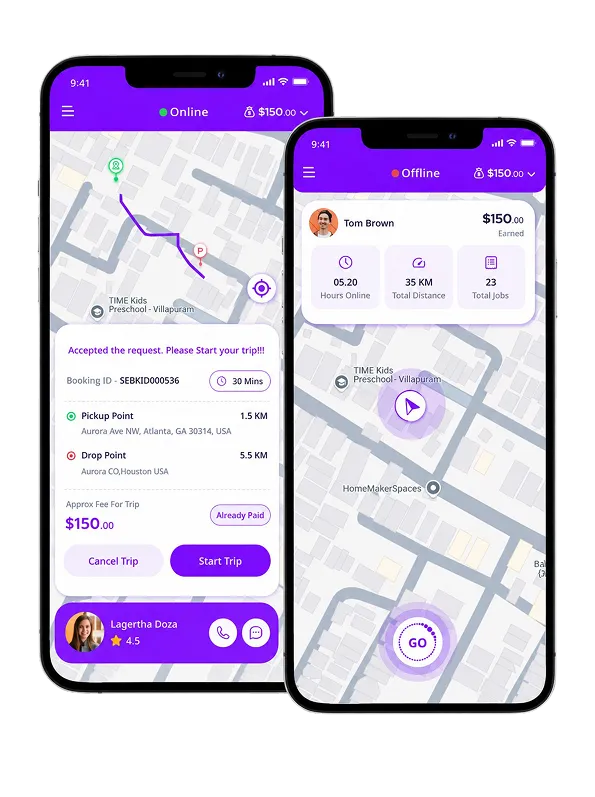
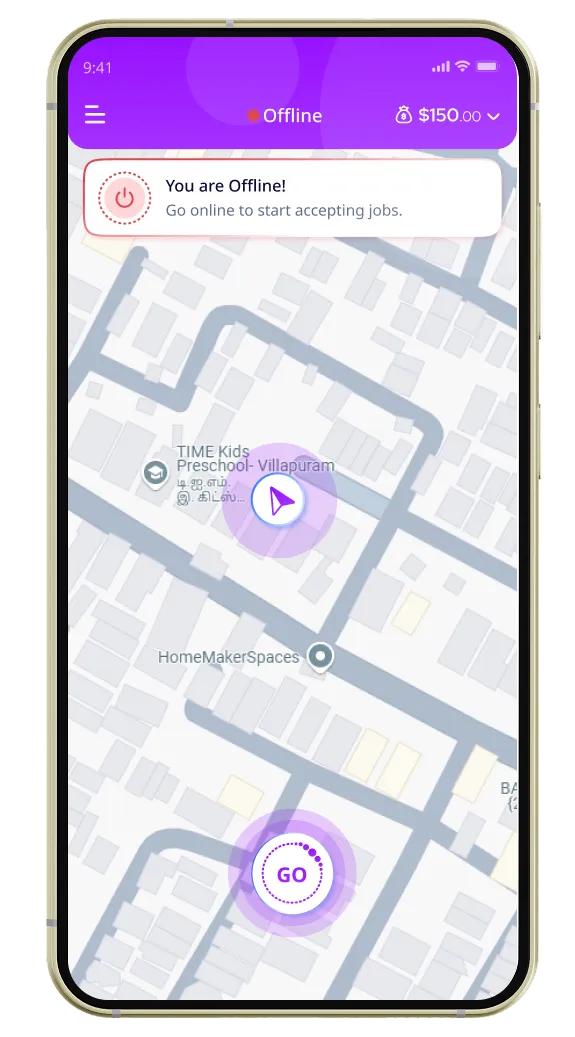
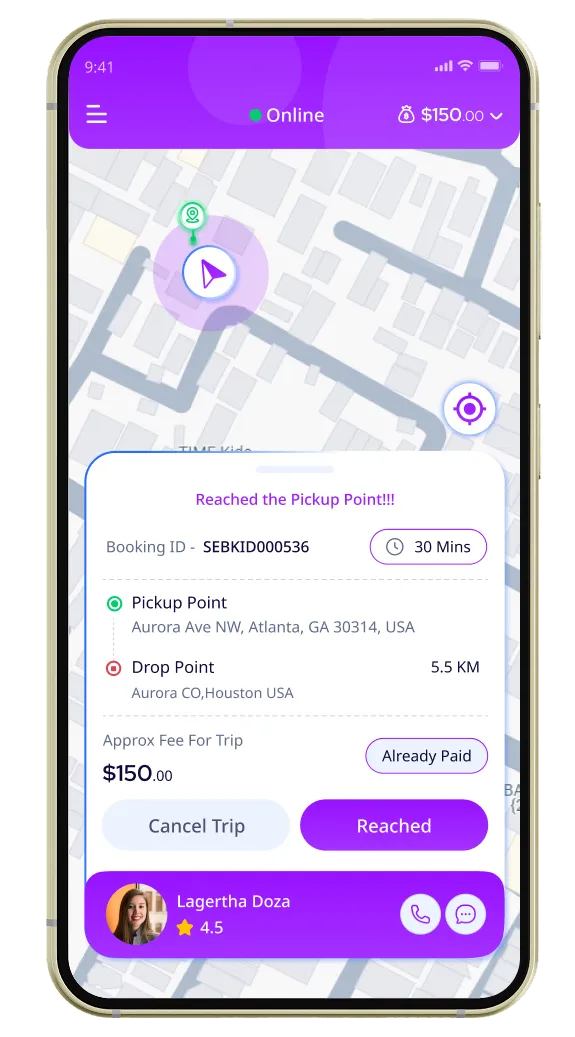
Online/Offline
Based on current trip status, the drivers select online or offline options
either for pickup or turn the riders to search for another respectively.
Smart Navigation
With the use of the in-built location-aware ad navigation option, the drivers
reach the traveler’s space quickly or within the specified time limit.
Status Updates to Customers
After booking the trips, the consistent status is updated to the customers
with this option.
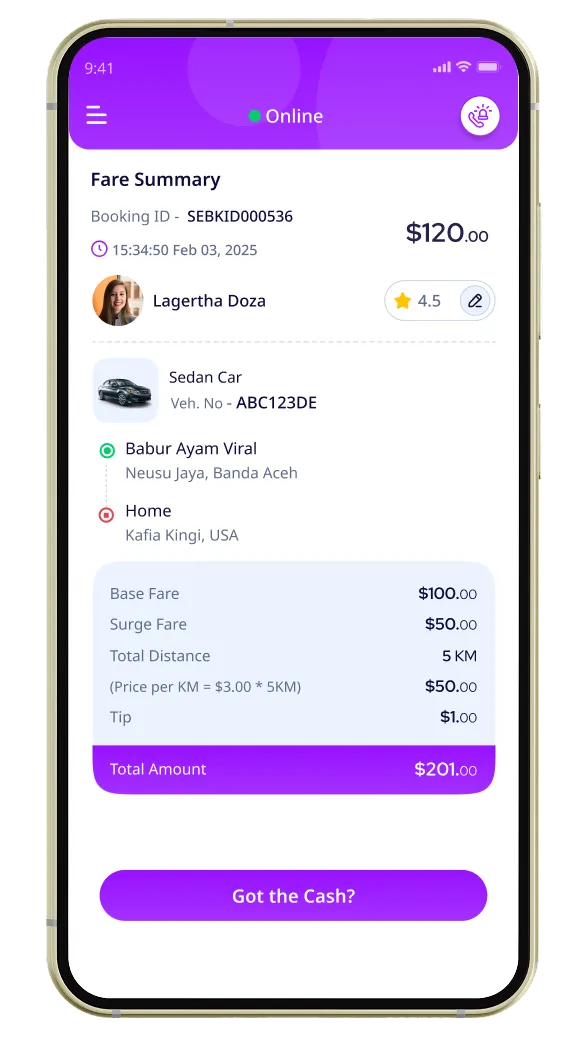
Trip Fare Details
Drivers can easily get the details on the number of completed trips, fare
collected, and the payment status wisely with this option.
History of Trips
Drivers can easily track the entire trip history prior to either editing or
monitoring the trip according to the needs.
In-app Chat Options
In case of emergency scenarios, the drivers are allowed to chat with either
the travelers and the service providers related to trip changes with this
option easily.
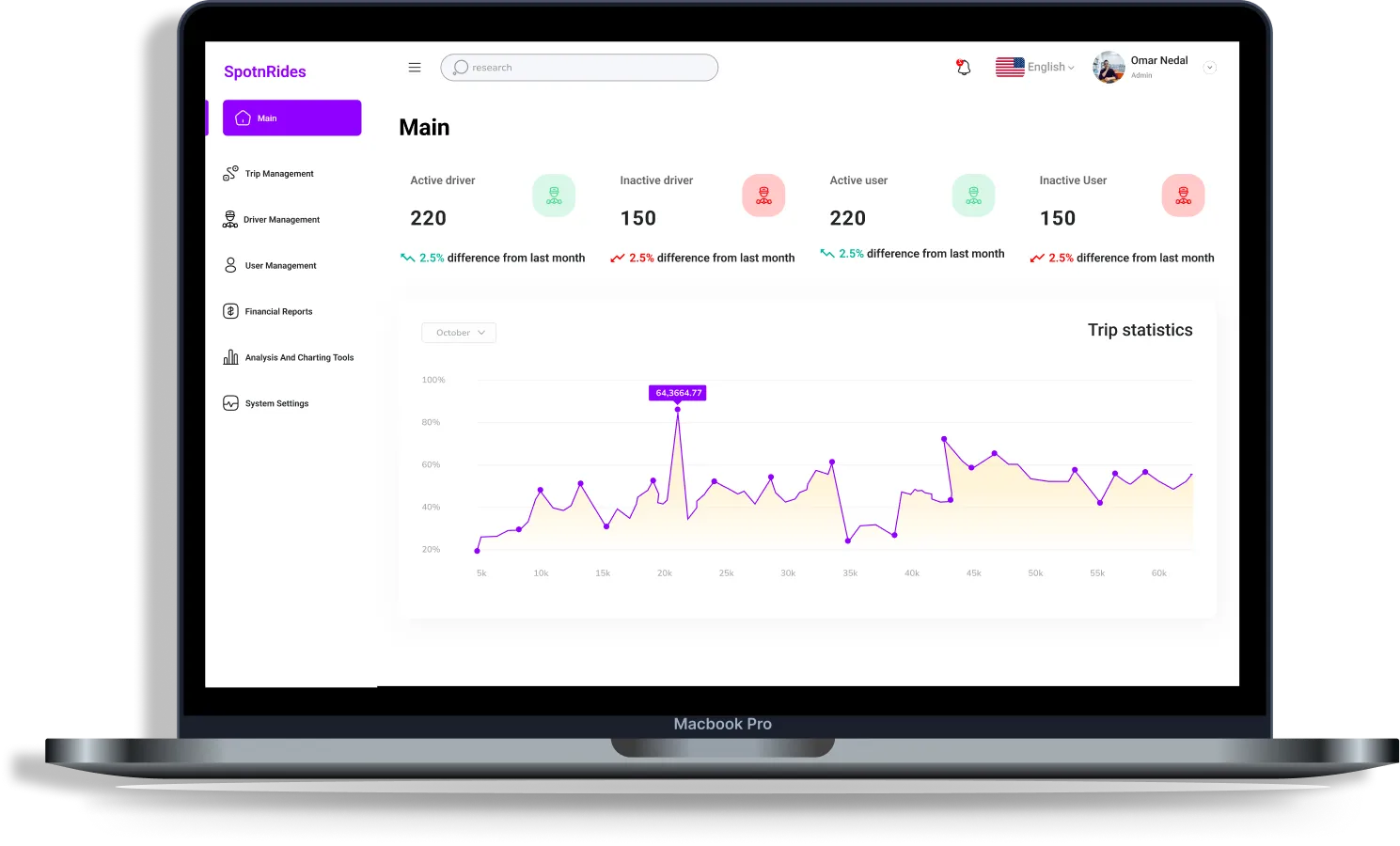
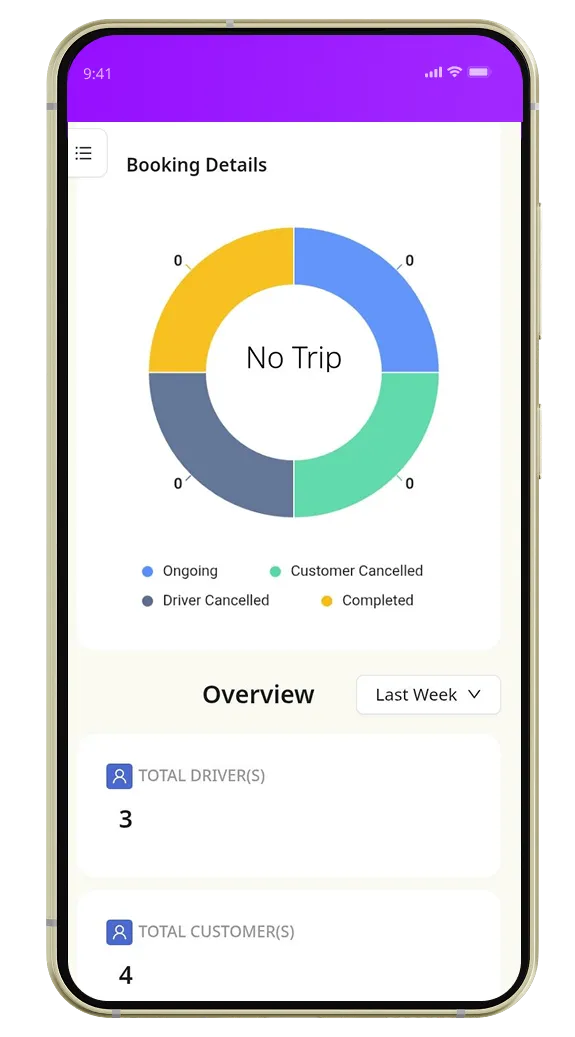
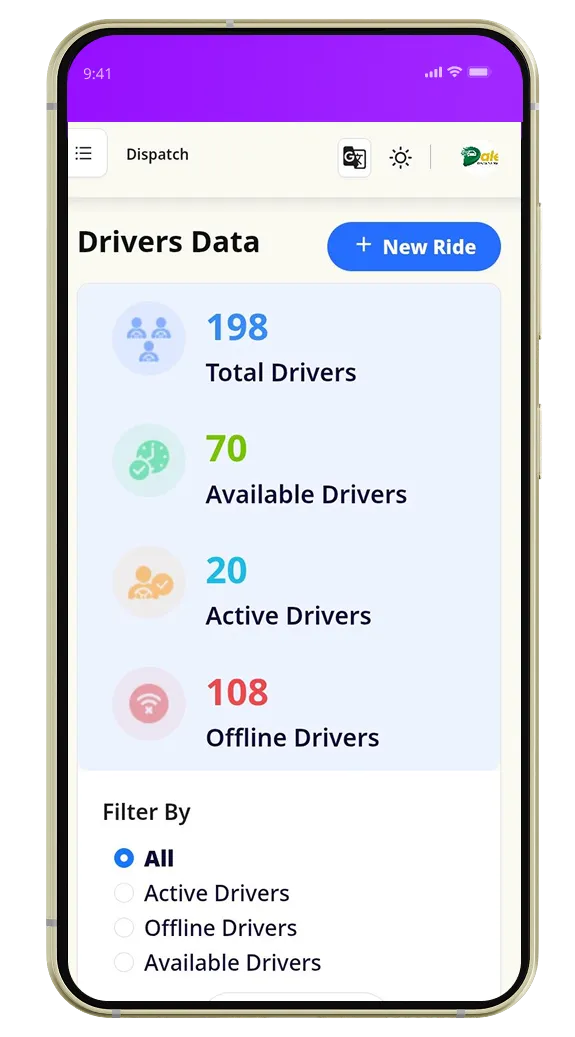
Aware of Driver’s Status
With this option, the admin can easily view the status of the active/inactive
drivers anywhere and anytime.
Profile Analysis
Admin has the control option like add/remove drivers and riders by accessing
profile details as per easily.
Fare Estimation Updates
As per the vehicle selection, the fare estimates can be adjusted accordingly.
They have the authenticity to select a perfect vehicle name, type, and
corresponding updates.
Smart Fleet Tracking via Google maps
Admin directly accesses the drivers and the riders quickly and get their live
report based on google maps.
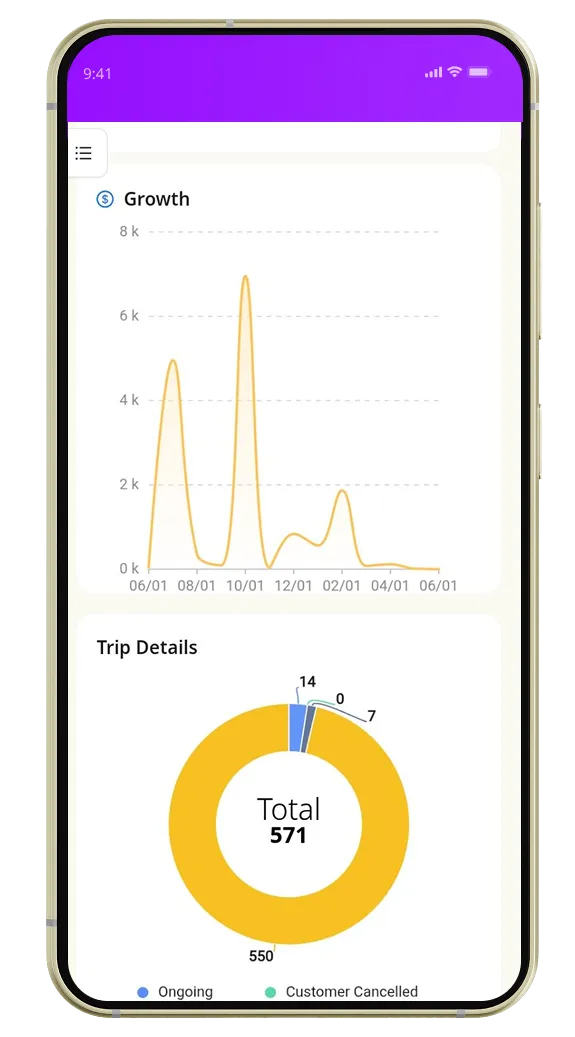
Trip Payout History
The payment for every trip is recorded in this option and visible to the
admin for analysis.
Driver’s Earning Details
This option allows the admin to make an eye on the driver’s earnings after
the completion of trips.
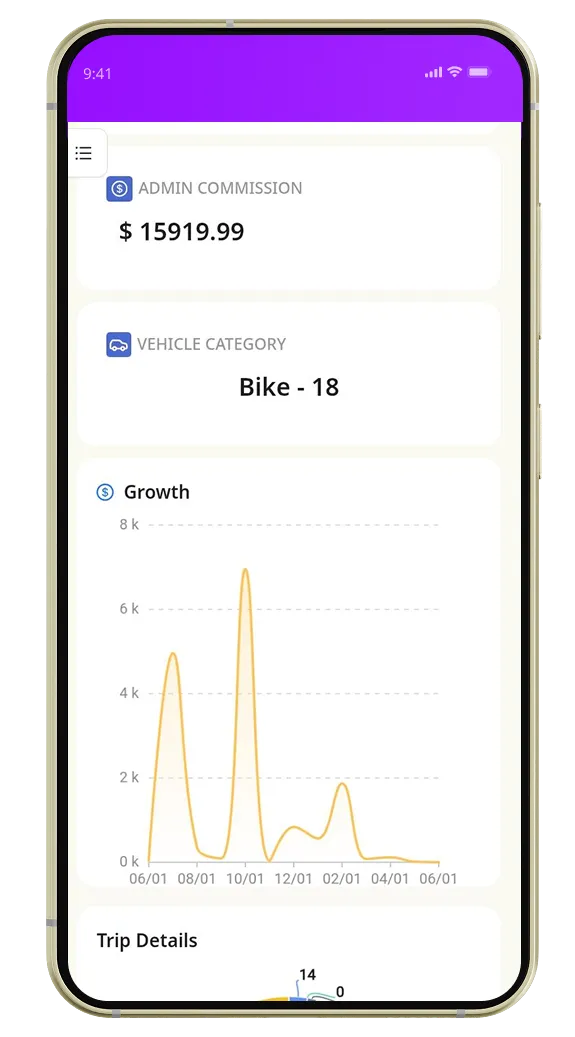
Commission Collection
This allows you to see the driver’s contribution to your cash flow.
Zone-based Price Fixing
Using this option, you can set the fixed price for some zones and get
additional benefits from this
booking.
Unlock Top AI Features In Our Lyft Clone App to Improve ROI
Capture the million-dollar ride-hailing market in your service region with the powerful AI features.
Premium Add-Ons of Our Lyft Clone App to Take Your Taxi Business Further
We deliver a customizable Lyft clone script for entrepreneurs with an impressive suite of functionalities.



 AI Voice Booking
 Intelligent Ride Matching
 Dynamic Pricing Engine
 Integrated AI Chatbot
 Personalized Suggestions
 Route Optimization
 Predictive Dispatch
 Automated Safety Monitoring